Resources
Blog
Insights on events, technology, and the future of gathering
Latest articles
Insights on events, technology, and the future of gathering
We all know that in the bustling world of event planning, efficiency is key, especially when it comes to managing registrations and check-ins. Luckily, with event check-in apps, we’ve got some powerful tools at our disposal to streamline the process and make things a lot smoother for everyone. But to really make the most of these apps, some careful planning and execution are essential.
An event check-in app is designed to manage and simplify the process of registering and checking in attendees at various events, ranging from conferences and trade shows to concerts and private functions. But what exactly are event check-in apps, and how do they contribute to the seamless execution of events?
These apps usually work with larger event management systems and come with features that help organizers manage lots of participants easily. Here are ten tips to ensure smooth registration and hassle-free check-ins with event apps.
First things first, you need to pick the right app for your event. Look for one that’s easy to use and compatible with your event management system. Check for features like QR code scanning, badge printing, and real-time data syncing. Take advantage of free trials or demos to test different apps and find the one that best fits your requirements.
The registration process sets the stage for smooth check-ins. Use a user-friendly interface that collects only the essential information. Make the form concise and offer multiple registration options like online portals, mobile apps, or on-site kiosks to make it convenient for everyone.
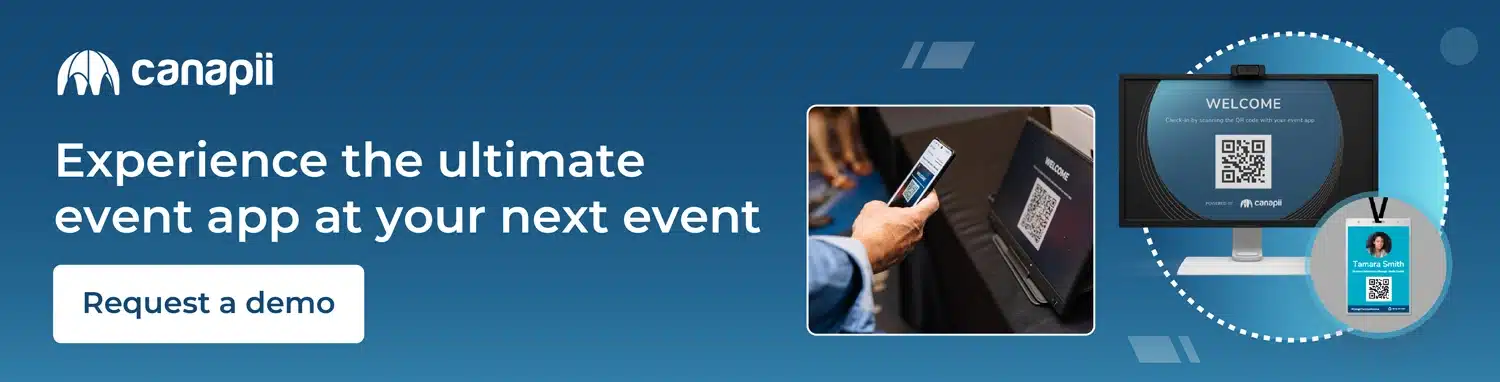
Print badges promptly upon attendees’ arrival to streamline check-ins and save time. QR codes are essential for fast and accurate check-ins. Generate badges instantly with attendee names and unique QR codes during registration. These can be seamlessly integrated into event tickets or confirmation emails. With event check-in apps, like Canapii, that have QR code scanning, attendees can easily scan their code, making check-in faster and reducing errors.
Integrate self-service kiosks at the event venue to allow attendees to check themselves in. These kiosks can be equipped with QR code scanners and badge printers to facilitate a smooth and efficient check-in process, reducing the burden on staff and volunteers.
The success of event check-in apps depends a lot on the skills of your staff and volunteers. Make sure to give them thorough training on how to use the app, including its features and how to fix any issues. Stress the importance of being professional, attentive, and patient when helping attendees to ensure a smooth check-in experience for everyone.
Before the event, make sure to thoroughly test the event check-in app in a practice setting. This helps to find and fix any possible problems or delays. Test different situations, like when lots of people are registering or if the app needs to work offline. Get feedback from testers and attendees to see what can be improved and make any necessary changes before the event starts.
Make sure attendees know what to expect by giving them clear instructions ahead of time about how check-in works. Include all the details in the confirmation emails and event materials, like where to go for check-in, what they should bring along, and if they need any QR codes or badges. Clear communication helps avoid confusion and makes check-in faster.
Make sure there’s enough onsite support available to help with any technical issues or questions attendees might have during check-in. Having a dedicated team ready to assist can really cut down on delays and make sure everyone has a smooth experience at the event.
After the event, take some time to gather feedback from both attendees and staff about how the check-in process went. This feedback is really valuable. Look at it along with any data you collected after the event to see where you can make things even better next time. This way, you can keep refining your process for future events and make sure everyone has a great experience from start to finish.
Event planning is always about learning and getting better. Keep looking for ways to make the registration and check-in experience even smoother by staying on top of the newest technologies and best ways of doing things in the industry.
By implementing these tips, event organizers can leverage the full potential of event check-in apps to streamline registration processes, minimize wait times, and deliver a seamless attendee experience. With the right app and planning, check-ins become easy, leading to a successful event. If you’re interested in a branded app for registrations, check-ins, and more, you’ve come to the right place.
Schedule your free demo with us today to get all your questions answered.