
Resources
Blog
Insights on events, technology, and the future of gathering
Latest articles
Insights on events, technology, and the future of gathering
Quick answer: To get attendees to download your mobile event app, design it around their experience, promote it from the moment they register, build download time into the agenda, make it central to sessions, reward usage with gamification, keep content accurate, promote it onsite, offer hands-on support, and address security concerns upfront.
A mobile event app can make your event more positive and profitable by giving attendees a better experience and forging stronger connections between attendees and exhibitors. That is only true if attendees actually download and use it, though. Some people will always be more hesitant about apps than others, but the nine strategies below will help you capture as many of your attendees as possible.
Attendees only download apps that make their event better, so put their experience first. You want to reap rewards from your event app, but that only happens if attendees use it - which means building an app or event platform that genuinely
Start generating interest in the app well before the event opens its doors. In your promotions for the event itself, advertise that it comes with an accompanying app that makes the experience more interactive and engaging - and if the app lets attendees earn rewards and incentives, advertise that too.
Once you start accepting registrations, market the app to attendees after they sign up. Send periodic emails telling them about everything they can enjoy in the app and encouraging them to download it in advance.
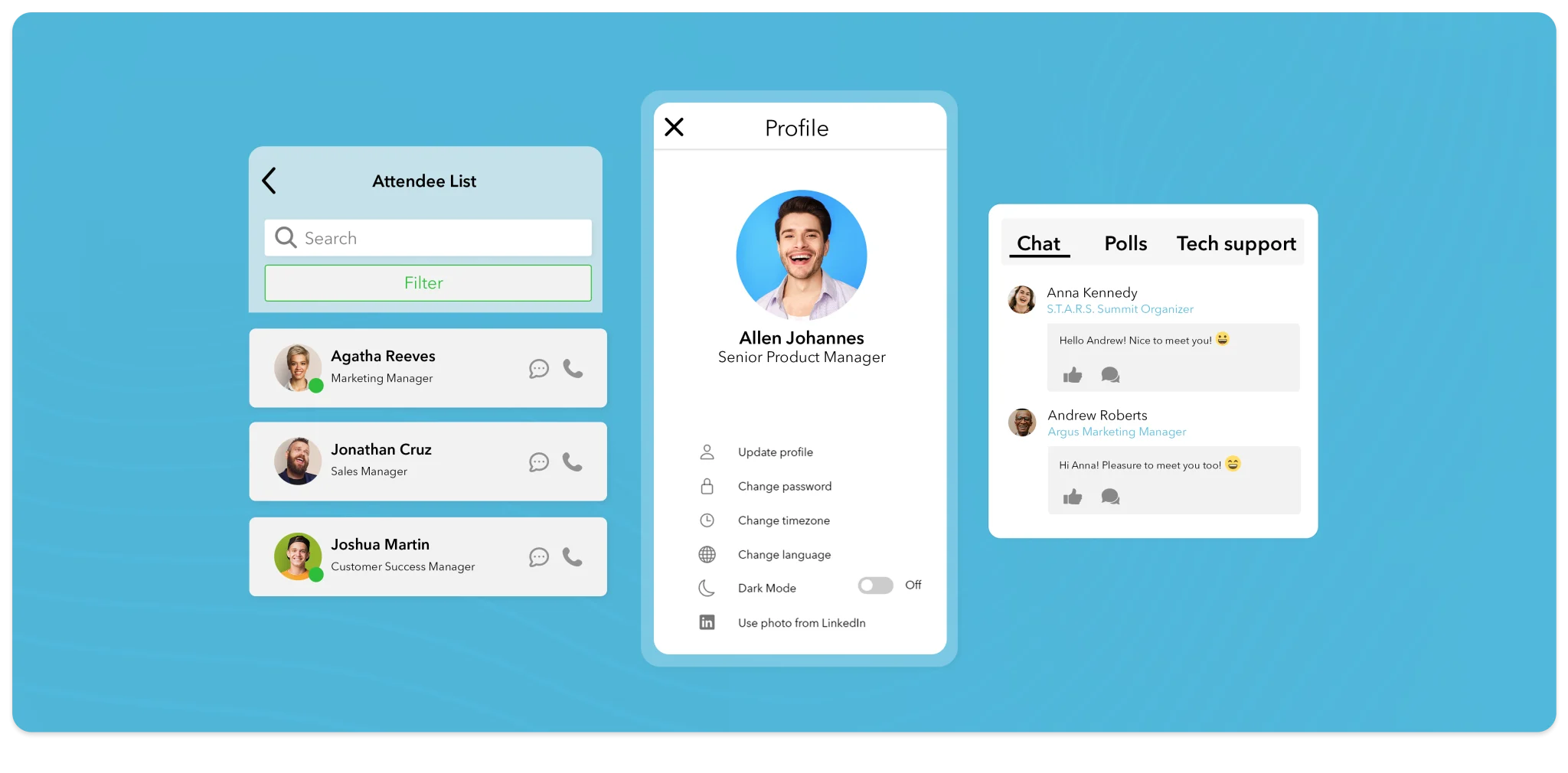
During in-person events it is easy for attendees to get busy and forget to download the app, or simply never pause long enough to do it. One of the best fixes is to build that time into the event itself: mention the app during your kick-off speech, explain how it enhances the attendee experience, then pause for a few minutes so everyone can download it on the spot.
After hyping up the app, do not convince attendees to download it and then never mention it again - make it an integral part of the attendee experience. Include exclusive in-app content that supplements sessions and exhibitor booths, and encourage presenters to work the app into their talks with surveys and activities that can only be completed in it. In some way, make sure the app adds genuine value to the experience.
If you want attendees to use the app, make it worth their while in a concrete way. An in-app goodie bag with exclusive gifts and offers is one option. Another popular route is gamification: let attendees earn points for completing quests at the event, such as visiting exhibition stands or attending sessions, and reward high scores with prizes or entries into a prize drawing.
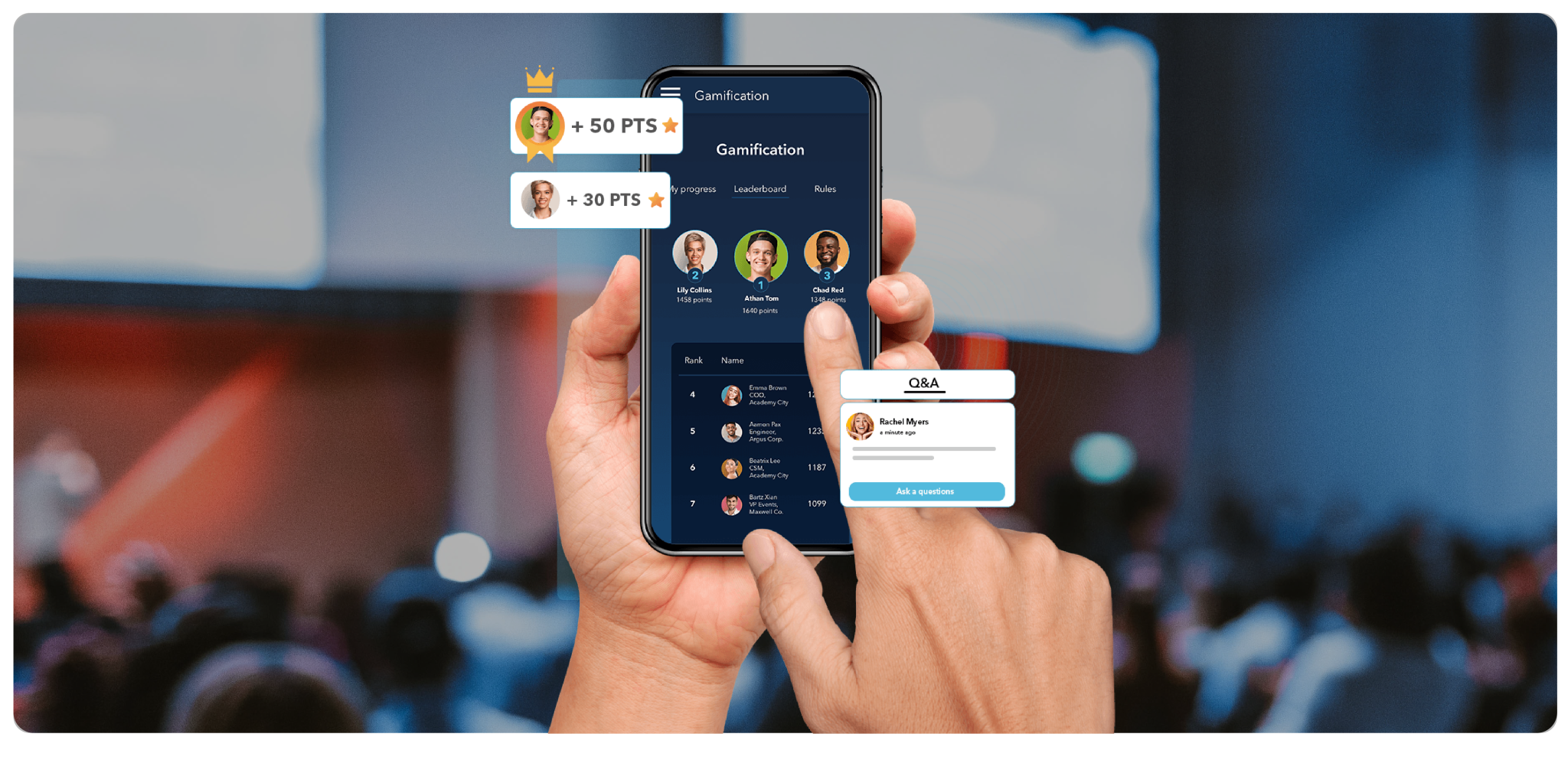
An event app should be a benefit for attendees, not an added burden - and that means keeping it genuinely helpful and accurate. Make sure the app carries the most up-to-date schedule, with accurate locations for every presentation, and if it includes a map of your exhibitor booths, keep that map current too.
Continue promoting the app throughout the event to catch any remaining attendees and remind everyone to use it. Signage around the venue works well. For a more convincing nudge, show attendees what they are missing at any given moment: after a session, send a message saying they could have earned points toward prizes if they had used the app. It can be a challenge to find corporate event software that supports this smoothly, but it is worth the effort.
Technology does not always work the way we hope. Technical issues are always a possibility, and even a perfectly working app leaves behind attendees who are less tech-savvy or who have disabilities and would appreciate assistance. Have a support team available at the event and make it easy for attendees to find them - and choose a vendor that backs you up too, as Canapii does with 24/7 support.
Security risk is a common reason people hesitate to download apps: every install is an act of trust in your event. Build your event app to require minimal data sharing and be prepared to answer questions about what data you are collecting and why. Have security personnel review the app so it does not open the door to external security threats for your attendees. Choosing a platform that is ISO 27001 certified and GDPR compliant, like Canapii, makes those conversations much easier.
Promote the app from the moment registration opens, build download time into the event agenda, make the app essential to sessions and exhibitor booths, reward usage through gamification, and keep promoting it onsite with signage and a visible support team.
Before the event - ideally as soon as registrations open. Mention the app in your event promotions, then send periodic emails to registered attendees explaining what they can do in it and encouraging them to install it in advance.
Security and data-sharing worries are a common reason, alongside simple forgetfulness and low confidence with technology. Minimize the data your app collects, be transparent about what you gather and why, and have a support team on hand for less tech-savvy attendees. A platform that is ISO 27001 certified and GDPR compliant helps answer those concerns.
Gamification gives attendees a concrete reason to keep opening the app. Award points for completing quests such as visiting exhibition stands or attending sessions, and offer prizes or entries into a prize drawing for high scores - usage becomes part of the fun rather than a chore.
A mobile event app is a significant investment, but it can make a powerful difference to attendee engagement, exhibitor results, and your event’s long-term success. Rather than building an app from scratch, use Canapii’s mobile event app - part of the event management platform behind 2,000+ events across 45+ countries. Get a demo.