
Resources
Blog
Insights on events, technology, and the future of gathering
Latest articles
Insights on events, technology, and the future of gathering
Quick answer: To budget for an event, start in the strategy phase: set goals, review past events, and get stakeholder buy-in. Then estimate costs by category - venue, marketing, speakers, staffing, and technology - add a contingency fund, map your revenue and cash flow, and compare estimates to actuals after the event to budget better next time.
Set your strategy - establish goals, evaluate past events, build a high-level plan, and get stakeholder buy-in
Estimate your costs - budget sheet, marketing, venue, speakers, staffing, event technology, and contingencies
Finalize the budget - map revenue sources, manage cash flow, and know where to cut if needed
Evaluate after the event - compare estimates to actuals and identify savings and overspending
Use event software - keep budgets, receipts, vendors, and payment schedules in one place
Every event needs a budget. It helps you plan, make sure you have enough money to cover every cost, and decide how much to charge, how much revenue you need to generate, and how many tickets you need to sell. Thinking through every aspect of the event - food, entertainment, decorations, and more - keeps your event well-planned and organized
Let’s look at how you can create a realistic event budget with confidence.
A lot of your budgeting takes place in the strategy phase of planning, because your earliest decisions set the tone for the event - its size, location, attendees, and activities. Here’s how to start.
Setting goals is a helpful way to budget for an event. When you know how much money you need to accomplish a goal, you can plan your spending better. Goals also help you stay on track with your budget and avoid overspending.
If you’ve hosted similar events before, last year’s budget is a great place to start planning this year’s. See how much money you needed for the last event and how much certain items cost, then decide whether you can do without some of those things or need to allocate more spending on others.
Setting an event budget takes a good understanding of the event industry. Those outside of event planning can experience sticker shock at just how much basic things like chair rentals or linens cost.
When the cost of goods is rising, it’s also wise to estimate more than you paid for the same items last year. Do some research between vendors to establish new baseline costs in case things have gotten more expensive.
Start by creating broad spending categories - food, facility, staff, and so on - that help you navigate the various costs. From there, break each category down into specific items and what they cost: under food, for example, drinks, ice, cups, entrees, and snacks.
Creating this high-level plan first helps you brainstorm your most important event costs and allocate a percentage of the budget to each one.
Before moving too deep into budgeting, run your high-level plan by stakeholders to make sure everyone is on the same page. They may add categories or items you haven’t thought of, which will impact your overall budget. Once you have their seal of approval, you can build out your budget in more detail and do deeper research.
Accurately estimating what everything will cost keeps your event on track and on budget - and if you need to appeal to stakeholders for more funds, you can demonstrate a real need and support your suggestions. Here are the key cost areas to work through.
A budgeting sheet keeps you organized and helps your event run smoothly. By tracking your expenses, you can avoid last-minute surprises, see at a glance where your money is going, and make sure you’re not overspending. It also lets you compare prices from different vendors and find the best deals, saving money on your overall event costs.
Marketing is one area where you don’t want to skimp - it’s responsible for getting people into seats and helping to fund your event.
Decide which tactics you will use: print and online advertising, social media campaigns, email marketing, or a combination. Knowing what each type of marketing costs can shape those decisions, and remember to factor in payroll or professional fees to execute your strategy, not just the cost of the ads.
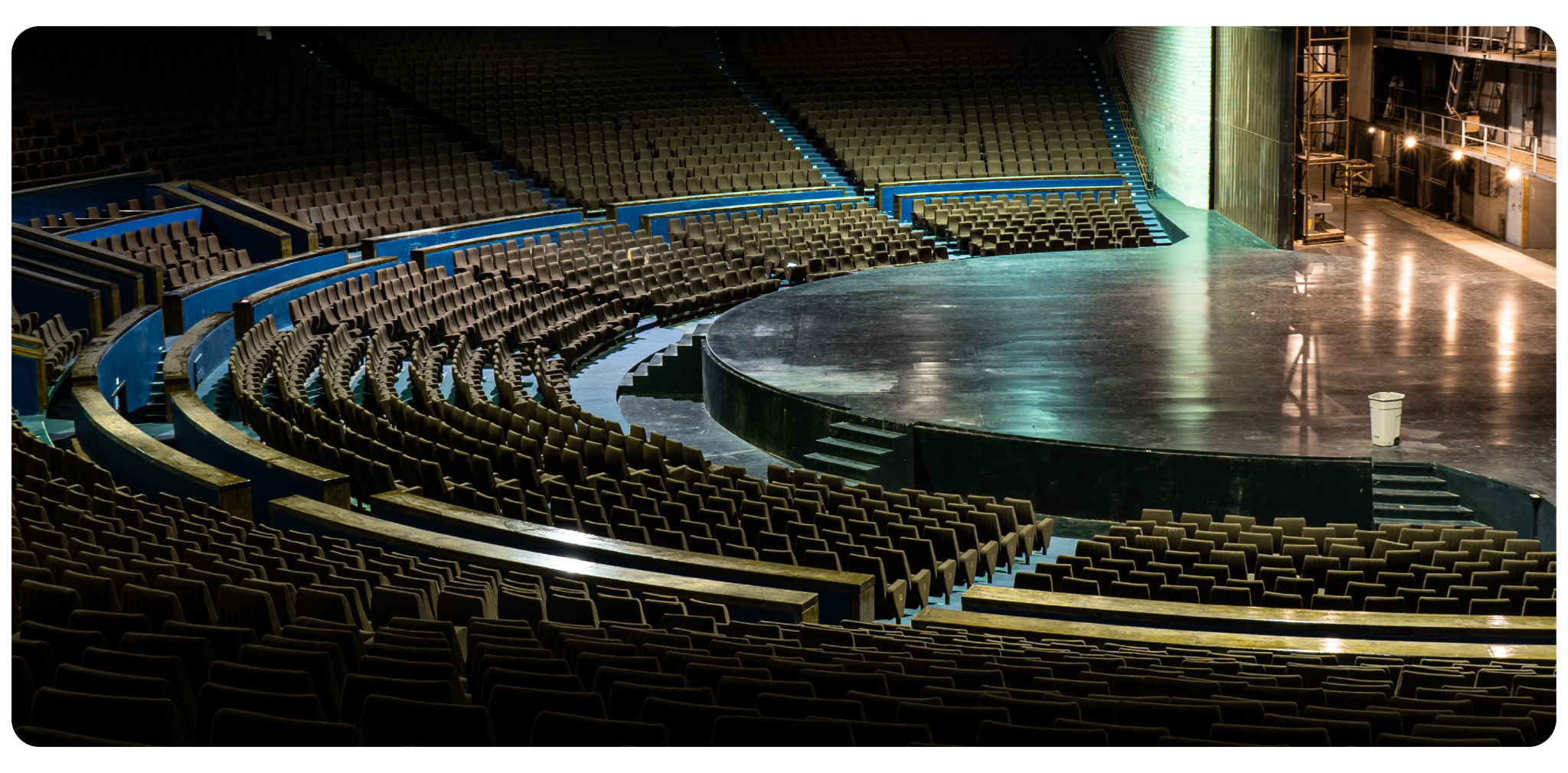
Every event needs a home. If you’re hosting hybrid or in-person events, you will need to allocate room in your budget for a venue. For virtual events, the venue is less of an expense because you can use smaller spaces, such as your existing office.
For in-person events, start with the size of your event: a small gathering needs a smaller venue than a large convention. Once you know the size, you can look at specific venues and get an idea of their costs.
Speakers or presenters from outside your company usually speak at events for a fee. How much you’ll spend depends on the prominence of the speaker and the length of the event.
For a high-profile speaker, expect to pay anywhere from $5,000 to $50,000. More moderately priced speakers range from a few hundred dollars to several thousand - and prices may go up for popular speakers in high demand.
Staffing budgets vary with the size, scope, and location of the event. Many venues include staffing in their event packages, which means you won’t have to contract additional help.
Hybrid events tend to require the most staffing, because they need two separate but equally important production setups: one for the in-person audience and one for the virtual audience. Each needs its own team for audio/visual, registration, and customer service, plus staff dedicated to monitoring and engaging the virtual audience throughout the event.
Event technology covers a range of smaller costs, including A/V equipment, presentation software, digital signage, a mobile event app, and an event management platform. The actual cost varies with the nature of your event.
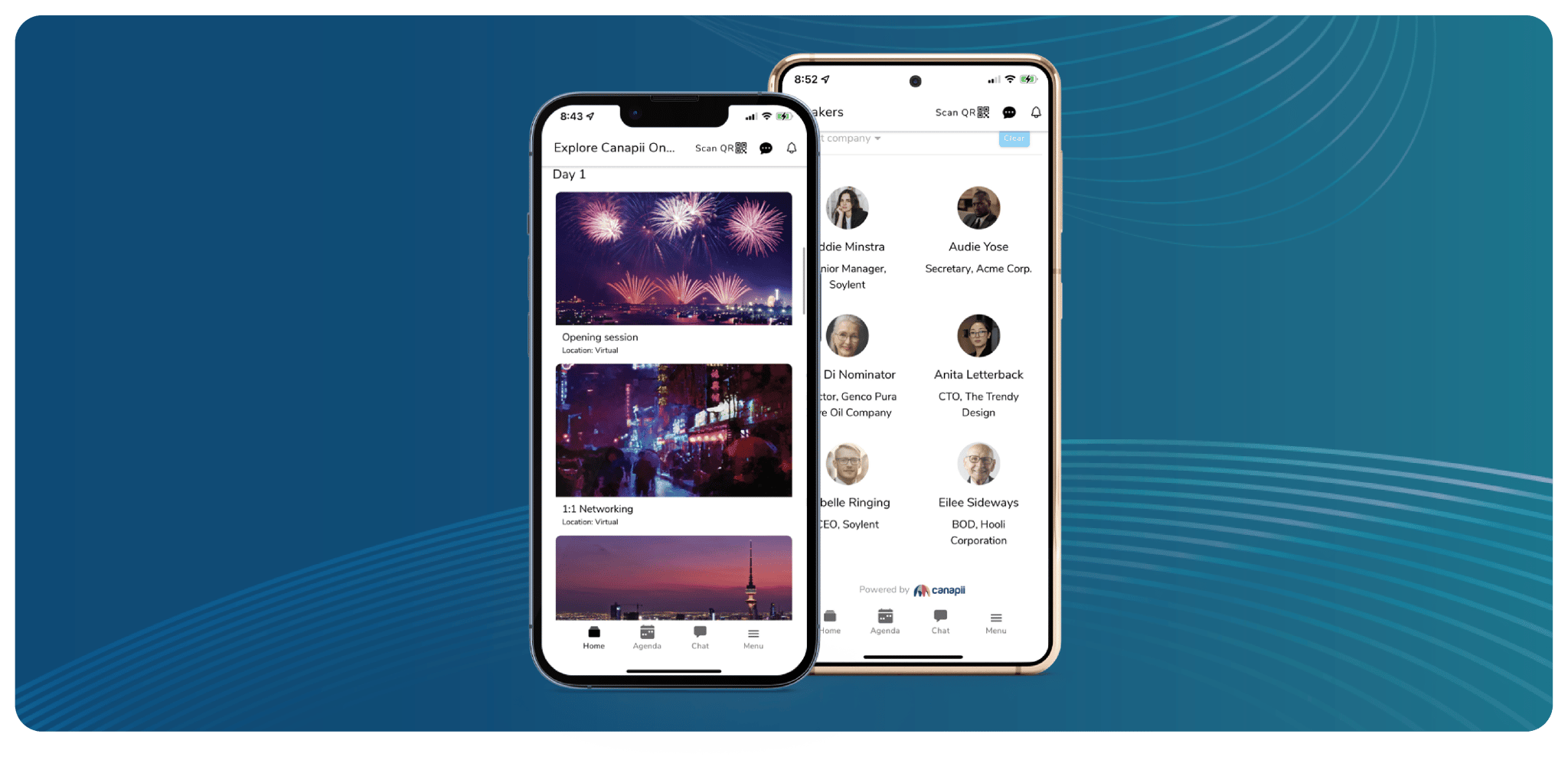
One way to save money is to consolidate these needs into a single event platform, like Canapii. Canapii’s all-in-one event management software handles multiple functions before, during, and after your event: integrate your mobile event app, registration, gamification, translation, live streaming, and event content into a single interface. You get more for your money while simplifying your budgeting.
Contingencies are unexpected costs that can occur during planning or on the day of the event itself - weather-related costs, venue changes, or last-minute additions and subtractions to the guest list.
To avoid being caught off guard, build a contingency fund into your budget to cover these costs as they arise. When deciding how much to set aside, consider the size and scope of your event and any known risks that could lead to additional expenses.
In the weeks and months leading up to the event, you’ll finalize the budget and start spending it. Keep track of all your deposits and expenditures and know when remaining balances must be paid, so late fees don’t eat into your final budget. Here are other opportunities to finalize a budget that works.
Ideally, you won’t have to pay for the whole event yourself. Things like sponsorships, ticket sales, and merchandise should help to fund your event dreams.
Take stock of your various sources of revenue and how much you expect to make from each. This may help you beef up your budget and afford things that would otherwise be out of reach.
Save some room in your budget for cash flow. Know when funds are available and when payments are due - miss a payment or deposit and you might pay extra fees or forfeit your reservations.
Spent too much? Didn’t get enough early bird sales? You might need to cut some things from the budget.
It helps to divide your budget into two columns: must-haves and wants. When you need to make cutbacks, you’ll have options at a glance that won’t affect the overall event.
At the end of every event, look back over your budget and compare your estimated numbers to the actual numbers. This helps you budget better for your next event.
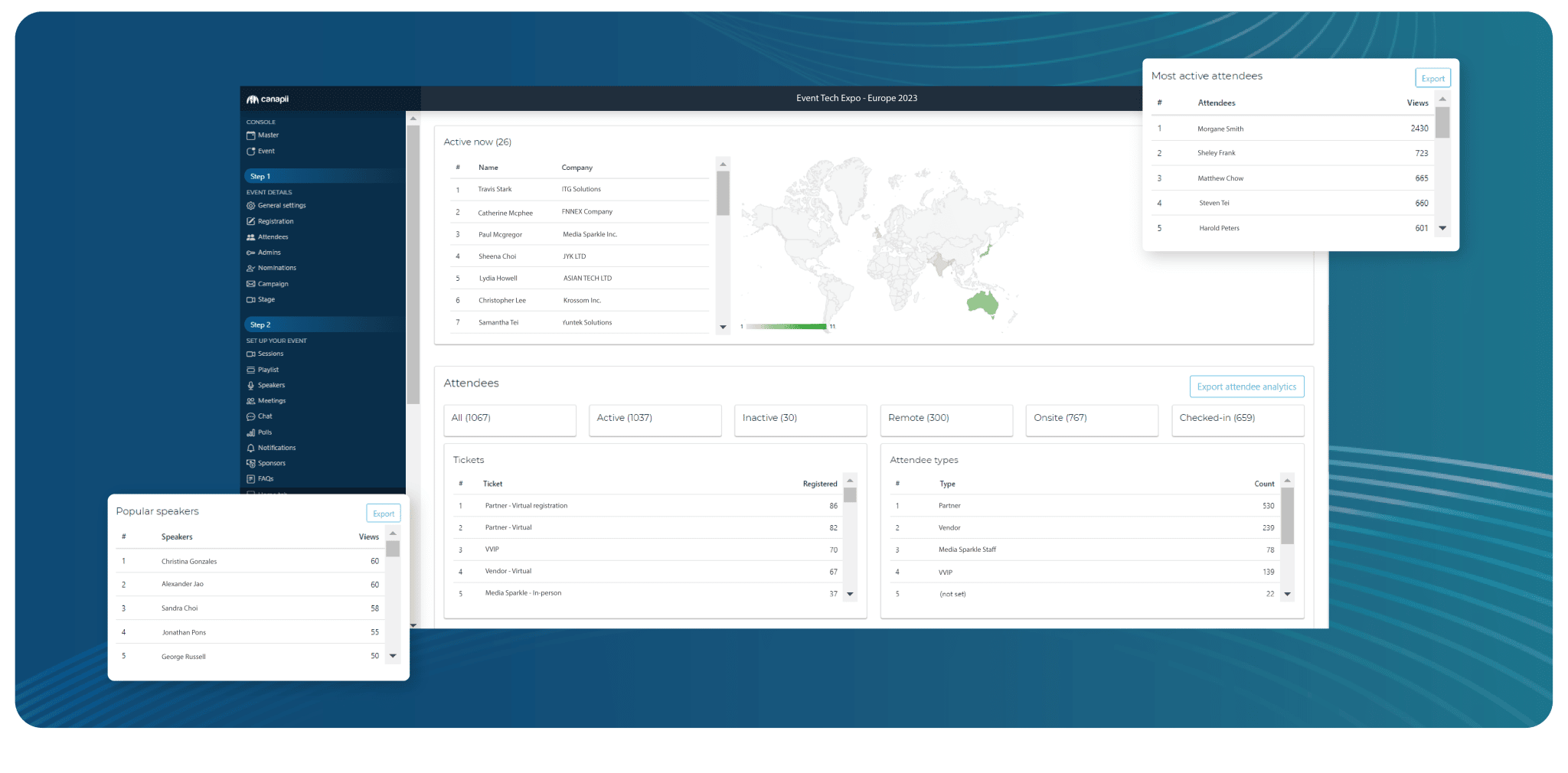
If you use event software, check your event analytics to see how you fared financially - how many total tickets you sold, the average spend per person, and other factors.
Did you save money by booking your venue early? What about consolidating your event technology into a single software solution? Go back through your event spending to identify areas of savings so you can build on those successes for future events.
Overspending can happen even to the most experienced event planners. As you look for areas of savings, also check where you may have spent too much.
All-in-one event management software like Canapii can be an event budgeter’s best friend. Keep all of your budgeting information in a single place, along with receipts, payment schedules, vendors, and other fine details - and keep your budget histories together for easy future reference.
A complete event budget covers venue, marketing, speakers, staffing, event technology, food, and entertainment, plus a contingency fund for unexpected costs. It should also map your sources of revenue - ticket sales, sponsorships, and merchandise - and when payments are due.
External speakers usually charge based on their prominence and the length of the event. High-profile speakers can cost anywhere from $5,000 to $50,000, while more moderately priced speakers range from a few hundred dollars to several thousand.
Money set aside for unexpected costs such as weather-related expenses, venue changes, or last-minute guest list changes. Size it according to the scale of your event and any known risks that could lead to additional expenses.
Divide your budget into must-haves and wants. When cutbacks are needed, trim from the wants column first so the core event experience is unaffected.
An all-in-one platform like Canapii consolidates your mobile event app, registration, gamification, translation, live streaming, and event content into a single interface - one cost instead of many, and one place to track budgets, receipts, and payment schedules.
Canapii’s event management platform has powered 2,000+ events in 45+ countries, and it keeps your budget organized from strategy to post-event review. Get started with a free demo today!